Logging In to the Global Summit Event Platform
Please note that the 2025 APS Global Summit event platform is only available to 2025 APS Global Summit registrants. Sharing event credentials is strictly prohibited.
For the best experience, please use a laptop or desktop computer. We recommend using Google Chrome in Incognito mode.
Getting Started
Visit the 2025 APS Global Summit Event Platform
- Please click the “Log In to the Event Platform” button above to access the 2025 APS Global Psychological Science Summit Event Platform.
Log In or Sign Up
- Enter the email associated with your APS profile.
- Enter your password for the event platform. Note this password is separate from your APS profile.
- New Users: You will be prompted to create a password for the event platform.
- Returning Users: Enter your existing password. If you don’t know your password, please use the “Forgot your password?” option to reset your password.
- Click “Log In” or “Sign Up”.
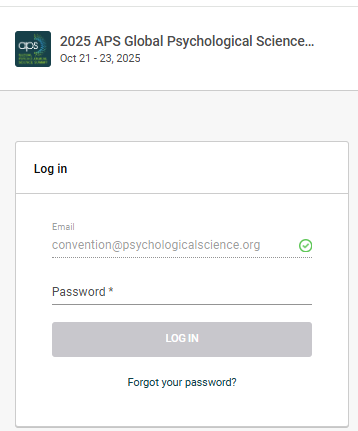
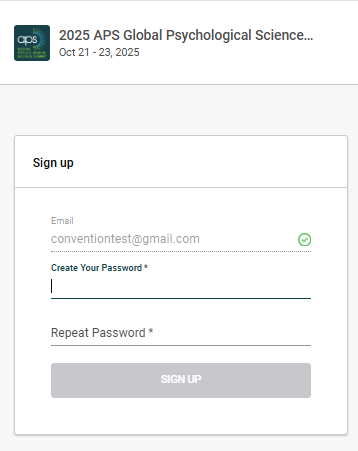
You are now in the 2025 APS Global Psychological Science Summit Platform!
Please navigate to the Agenda feature on the left-hand navigation menu to begin your 2025 APS Global Psychological Science Summit experience.
Online Platform Best Practices
- Always refresh your page when adding to your agenda, networking with other attendees, etc.
- Use the latest version of your web browser
- Clear cookies and cache
- Use a laptop or desktop computer
- Log out of your personal Virtual Private Network (VPN)
- Allow microphone and camera permissions, and wear headphones